 Janus PM
How to write a client status update in 10 minutes instead of two hours
Status updates should take ten minutes, and not inflict psychological pain or existential dread on the PM. Yet too often, it's the same scenario: you settle into admin time with your coffee and check on recently completed project tasks. You open up various Excel workbooks. While the risk register is loading the thought occurs to you: wait—didn't the client email me some new task yesterday afternoon? Someone pings you in Slack about something else, then you get the calendar notification about another client meeting starting in 15 minutes. For an example, watch the short video below:
How a PM creates a status report
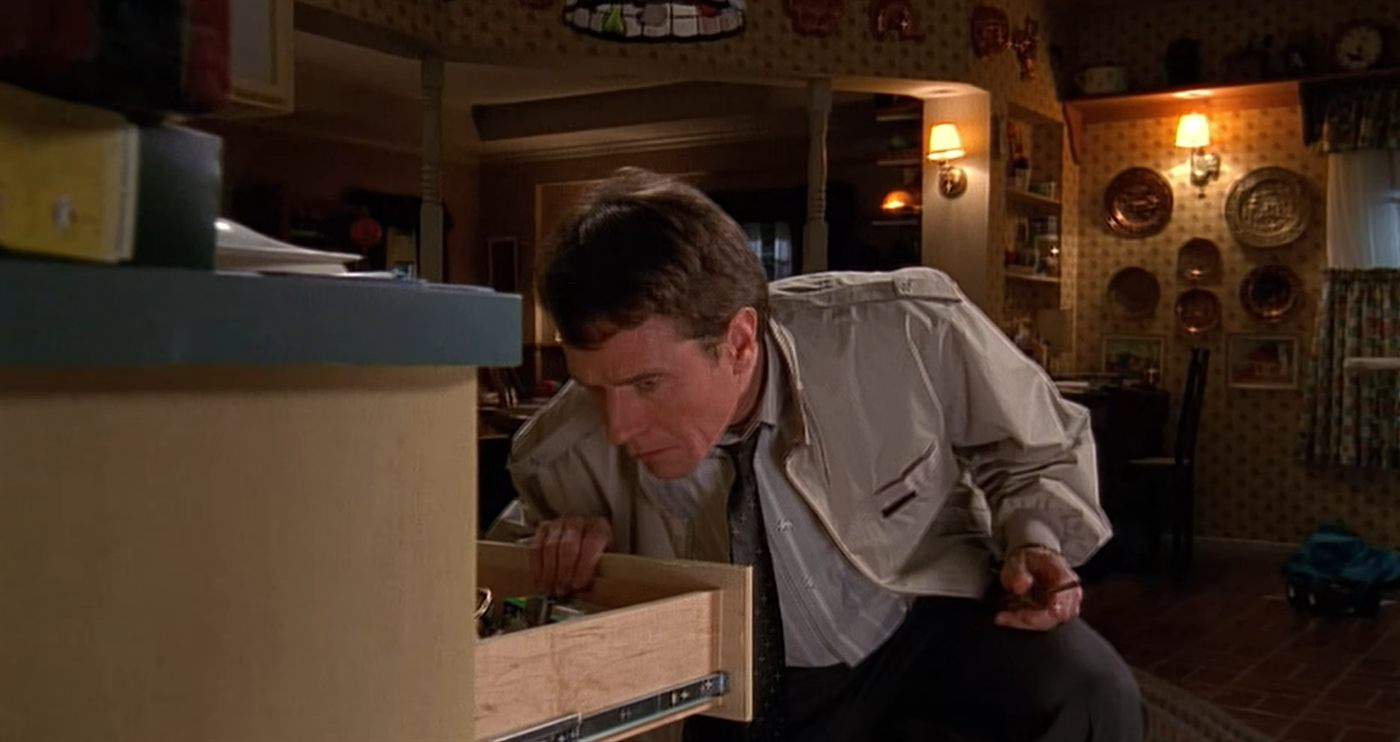
Hal sets out to change a lightbulb and ends up fixing the car. Watch the clip from Malcolm in the Middle. It's under a minute.
The status update goes out, eventually, but your brain feels mushy and now you're worried the PDF didn't export correctly.
Your status update is actually a scavenger hunt
Let's be real. Being a PM involves a lot of context switching and that has a real cost—at best, that mushy brain feeling—at worst, burnout. You're working with multiple clients, all at different stages of an implementation. You typically don't get a lot of focus periods. Usually, it's 15-20 minutes between calls, so when it's time to write your update, you have to recontextualize your entire week with that client and assemble your report like Dr. Frankenstein.
The five things a status update actually needs
A client status update needs exactly five things:
- where we are against the plan
- what got done since last time
- what's next
- what we're watching (risks and issues)
- anything we need from the client
That's it. Everything else is padding that makes the report longer to write and less likely to be read.
The ten-minute method
The trick is reducing the number of touches, so you don't have to rediscover what needs to go in your update. An email comes from a client that a task is slipping—add it as a risk and drop it in your open status update right away. If you have a PM tool, this process is probably a bit clunky but it works. If you manage it all with Excel, you're in my thoughts.
In Janus PM, it's simpler because adding an item to your status update is as simple as checking a box. There's no 10-page deck you need to send out, no need to search for the last update you sent via email, because Janus PM keeps them all for you.
The real work
With the admin out of the way, you can get to the harder part which is making sure you're communicating clearly, ensuring the whole team knows what needs to get done.
A few things to consider:
There might be internal pressure from leadership to downplay risks when communicating with clients. Be careful here. It's important to resist the impulse to agree just to keep the peace. Talking about a risk early stops larger problems down the road. Mr. Rogers said it best: if it's mentionable it's manageable. If shit does hit the fan, you're on record as the one who flagged it.
There can be big feelings during meetings if people feel called out publicly about a late deliverable. Also, despite your best efforts, you might be mischaracterizing some challenge the client is facing when you're reviewing a task. Send the status deck out early, so the client can write you with any updates. It also gives them a chance to do their homework, so they come prepared.
You can't make your clients read your update. But if you make them short and sweet and keep the discipline of sending them out early, you'll have better outcomes.
The takeaway
Stop writing status updates and start assembling them. Don't wait to capture the info you need until 30 minutes before your call. Provide the update early and invite feedback. Bonus tip: end your meetings 5 minutes early so folks can top up their coffee before their next call.