 Janus PM
In Defense of Excel
If you put a project manager into a police interrogation room and asked them which tool they couldn't live without, I wonder how many hours would pass before finally, tired and exasperated, they would break down and confess that tool is Microsoft Excel.
I get it. As the resident Excel guy, it's super easy to create whatever one-off analysis that's due by end-of-day. At the uttermost end of need, you can even use Excel to create a project plan, complete with a Gantt chart made using formulas and conditional formatting. You can lock cells and drop it on a SharePoint for the team to use. You shouldn't do those things—but you can and that's the point.
As PMs, we open Excel when we're out of options or out of time.
We're a bit like Nick Fury at the end of Infinity War, after the Avengers lost and Thanos won. With moments to live, he pulls out his pager and sends a last-ditch SOS to a powerful (and unfairly maligned) friend.
Microsoft Excel will return in Avengers: SteerCo
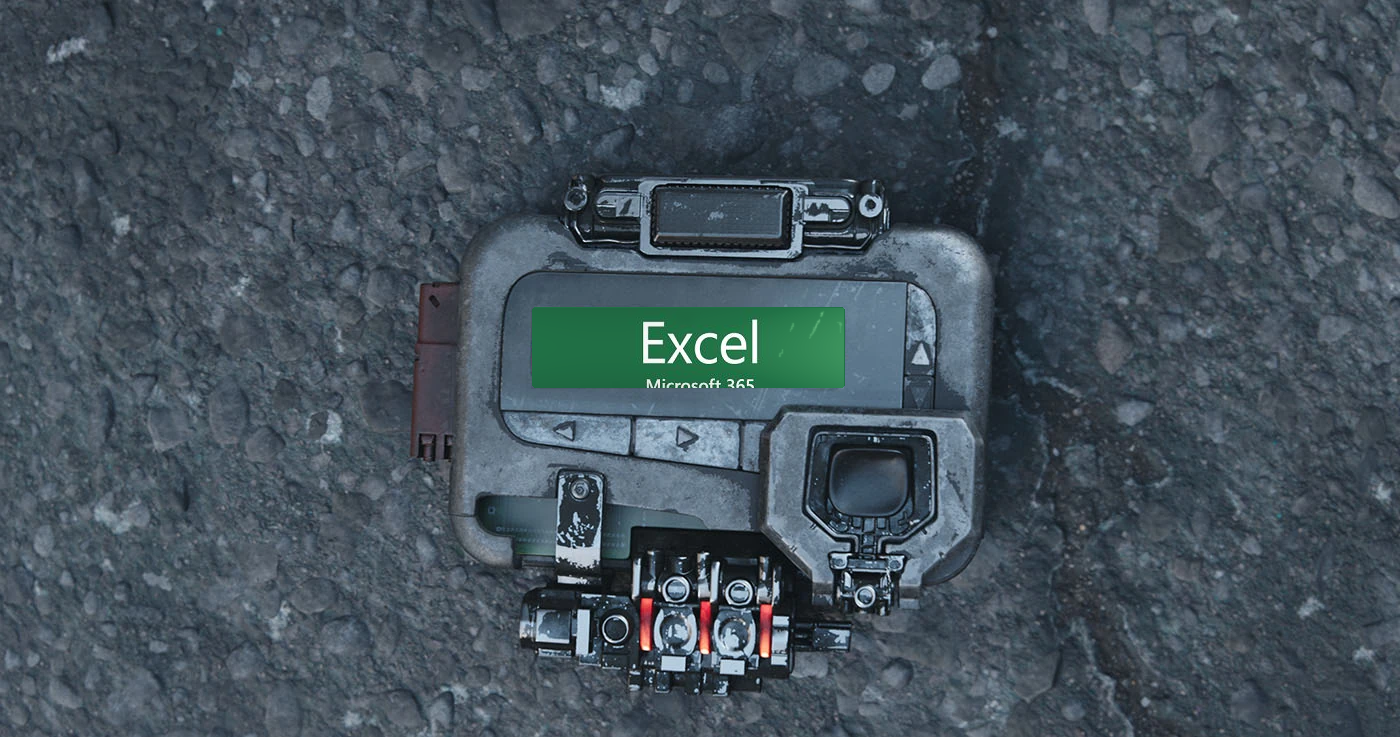
It's always there for you
Excel has its flaws, it's boring, but it works:
The go-live checklist has been through three round trips over email and now it's finally ready for your client meeting. You do roll call, introduce the agenda and get to work. The client starts sharing their screen and you notice they are using an earlier draft. You offer to share your screen since you have the current version open. Wistfully, you recall them telling you they didn't want to learn another tool and to send them an Excel doc.
You create your project plan and need updates from the team. There aren't enough licenses for everyone, so you export to Excel and hide the columns you don't want the client to see. Excel is fiddly, so you have to resize some columns, turn on wrap text and slap on a logo. Of course you have to use validation rules, otherwise people will do a bad copy/paste over the end dates. Rinse/repeat each week.
Your team recently purchased the spiffy new resource management module, but it's slow and you need to figure out who can cover for a staff member during an unexpected emergency. You export some data to Excel and work the problem.
=IFERROR(your_PM_tool, "Excel")
Most project management tools aren't designed with the PM in mind, and no tool can or should cover every use case a PM has.
Excel is familiar and infinitely customizable:
- It gives your clients something they can open without learning anything new.
- You get to control what's included and what's not included.
- It's faster in a pinch.
However, the fewer things you have to do in Excel, the better off you'll be. For example, in Janus PM you can send your status reports as a link your client can open. No exporting or copy/pasting required. You want to hide internal tasks or comments when sharing a plan during a meeting? It's just a few clicks and you're there.
Depending on your tech stack, you might use Excel for your RAID logs. Filter out the embarrassing, internal stuff and sharing it on a call is quick and easy. Except when it's later on and you want visibility on the risks while you're working in the project plan. You'll get whiplash from the alt-tabbing you'll need to do.
It's also another document your team has to remember to look at. In week 1, the project is still shiny and new and everyone is optimistic about their discipline. This time it will be different. By month 3, you're the only one looking at the RAID log and it's because you're updating it before the call in an hour. Your real risks are comments in the status deck.
You can take Excel from my cold, dead hands
No one should want to take away your Excel—me least of all. I created Janus PM, and I'll still open up Excel like a scratchpad for something quick. It's a cheap way to visualize how you want your data to look. But it's not a database, and it's too brittle to use for your entire workflow.
Excel is a great productivity tool, if used correctly. Janus PM can help you retire some of those old workbooks. Maybe replace them with this Minesweeper clone or these spreadsheet games.